Clock your shift.
Print your DTR.
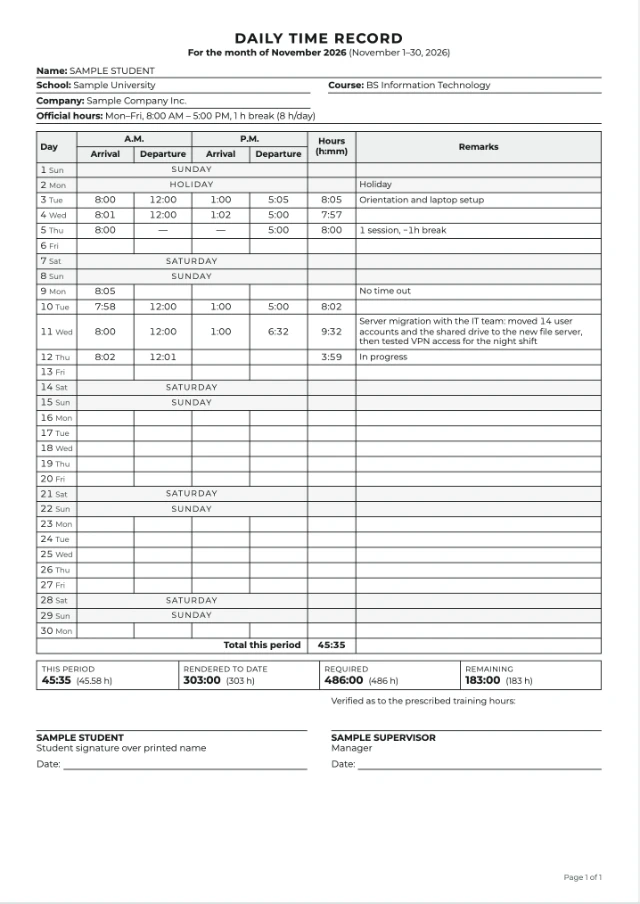
Tap in, tap out. OraStamp keeps the count, estimates your finish date and prints a DTR with a row for every date.

Features
Everything you need to log, track and print
Built around one job: knowing where your hours stand.
Track each session
Time in and out up to twice a day. Set optional reminders for either tap.
Plan your finish
See hours remaining and overtime totals. Set a start date for a finish estimate and add a target date to compare.
Mark the kind of day
Record a Workday, Holiday, Absent or Rest Day so the date has context.
Print, share or export
Print or share your DTR as a PDF. Export a CSV when you need the hours in a spreadsheet.
Keep a backup
Save your time log in a backup file, then restore it in OraStamp when you change phones.
Choose your theme
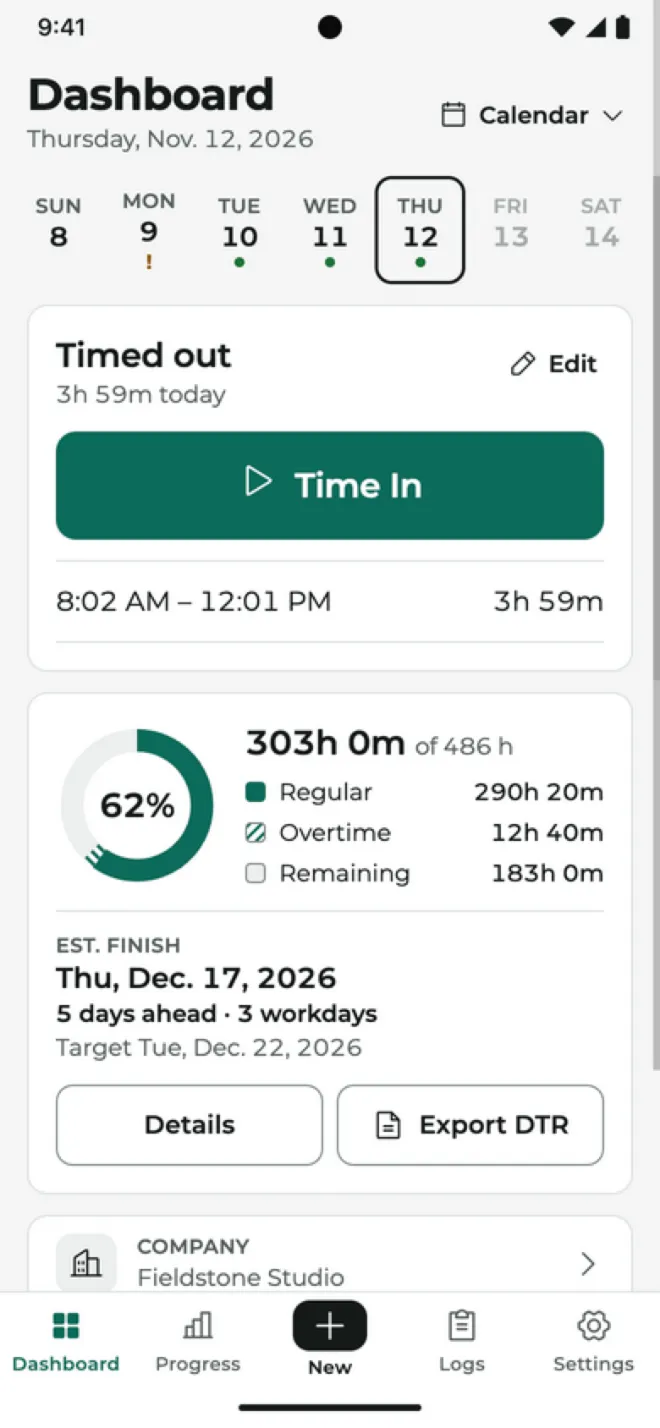
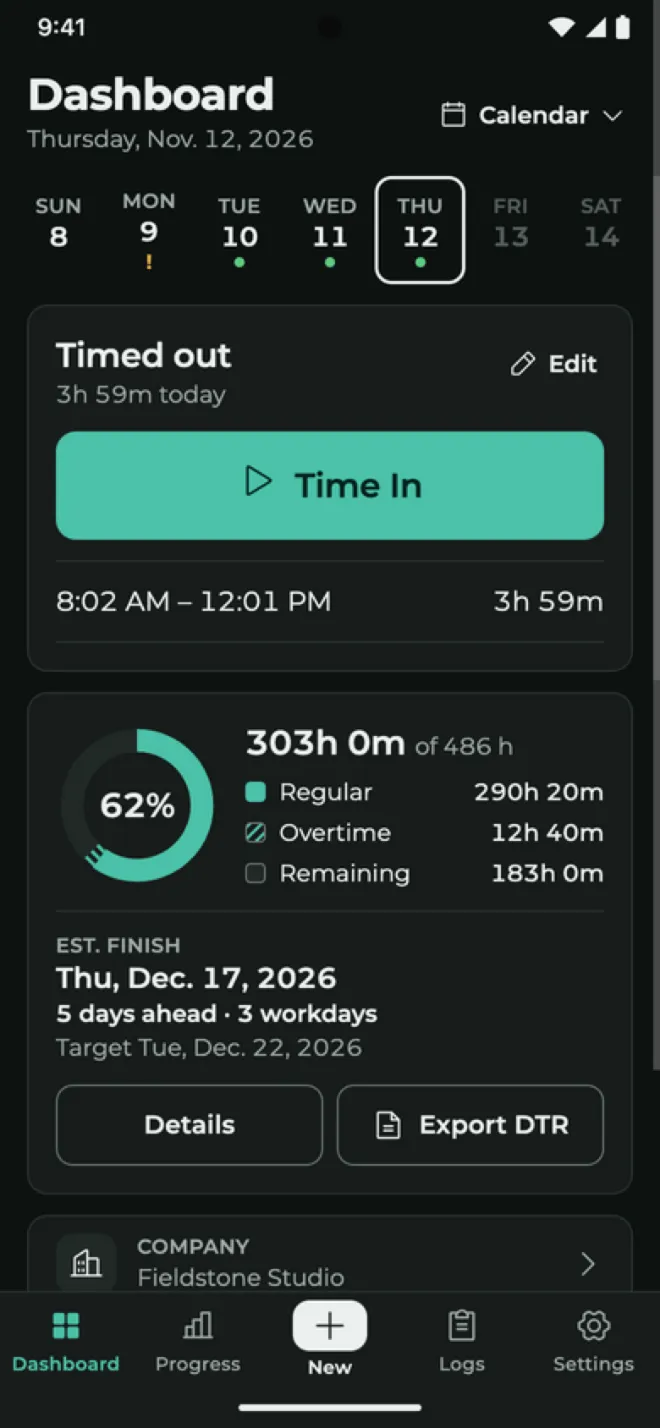
Use System to follow your phone, or choose Light or Dark in the app.
The DTR
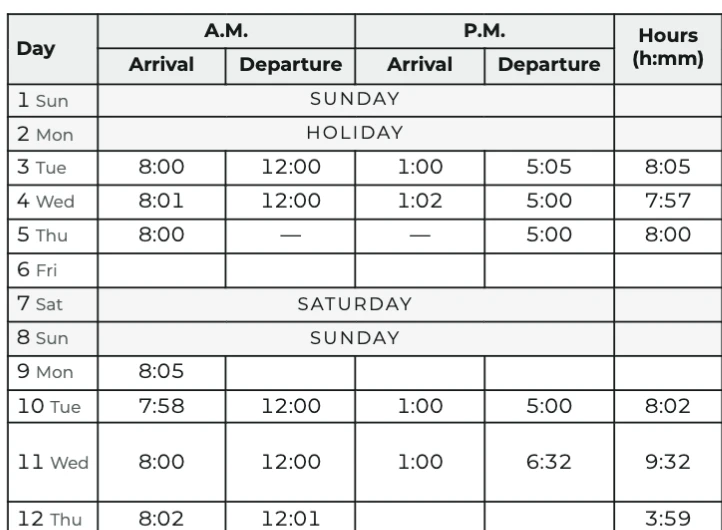
A DTR with a row for every date
Print your DTR or share it as a PDF.
- Columns
- AM/PM or In/Out
- Each day
- Arrival, departure, hours and remarks
- Signatures
- You and your supervisor
- Paper
- A4, Letter, Legal or Long
- Spreadsheet
- Export a CSV
 View full sample
How it works
Three steps to a finished DTR
Log the shift
Two sessions a day, for a morning and an afternoon. Forgot one? Fix the day in Logs.
Check your hours
Open the Dashboard for your remaining hours and, once you set a start date, your estimated finish.
Export your DTR
Choose your columns and paper size, preview it, then print or share your PDF.
FAQ
Questions
Android or iPhone?
Android comes first. An iPhone version will come later.
Do I need an account?
No. OraStamp has no account to make.
Will my school accept it?
We can't promise that. Schools set their own DTR format. Show your coordinator the sample first, then check before you print.
What about holidays?
OraStamp has no built-in holiday list. Mark the days your school or company observes as Holiday, and your estimated finish skips them. Hours you work on a holiday still count.
What if I change phones?
In Settings, export a backup file and send it to yourself, for example through Google Drive. On the new phone, restore it from OraStamp. Your phone's own backup may also bring your data back, but it may be old or missing. More in Support, or email service@deylixlabs.com.
Privacy
What OraStamp does with your data
Your records are yours. OraStamp keeps them on your phone, and we can't see or change them. Your phone's own backup may save a copy to your backup account, such as Google or iCloud, and you can turn that off in your phone's backup settings.
Read the privacy policyNo account
Open the app and start. There is nothing to sign up for.
Nothing you enter is sent to us
OraStamp has no server. A file leaves your phone only when you print or share it.
No ads, analytics or tracking
Not in the app, and not on this page.


Know where your hours stand.